Standalone Signatures
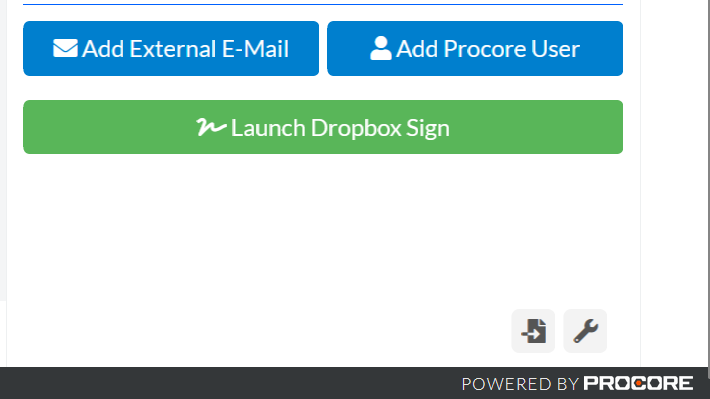
The standalone signature function allows the user to send documents for signature separate from projects in Procore. To access this, navigate to any project in Procore that has the Dropbox Sign Side-Panel, then click on the Standalone Sginature icon on the bottom right of the Side-Panel.
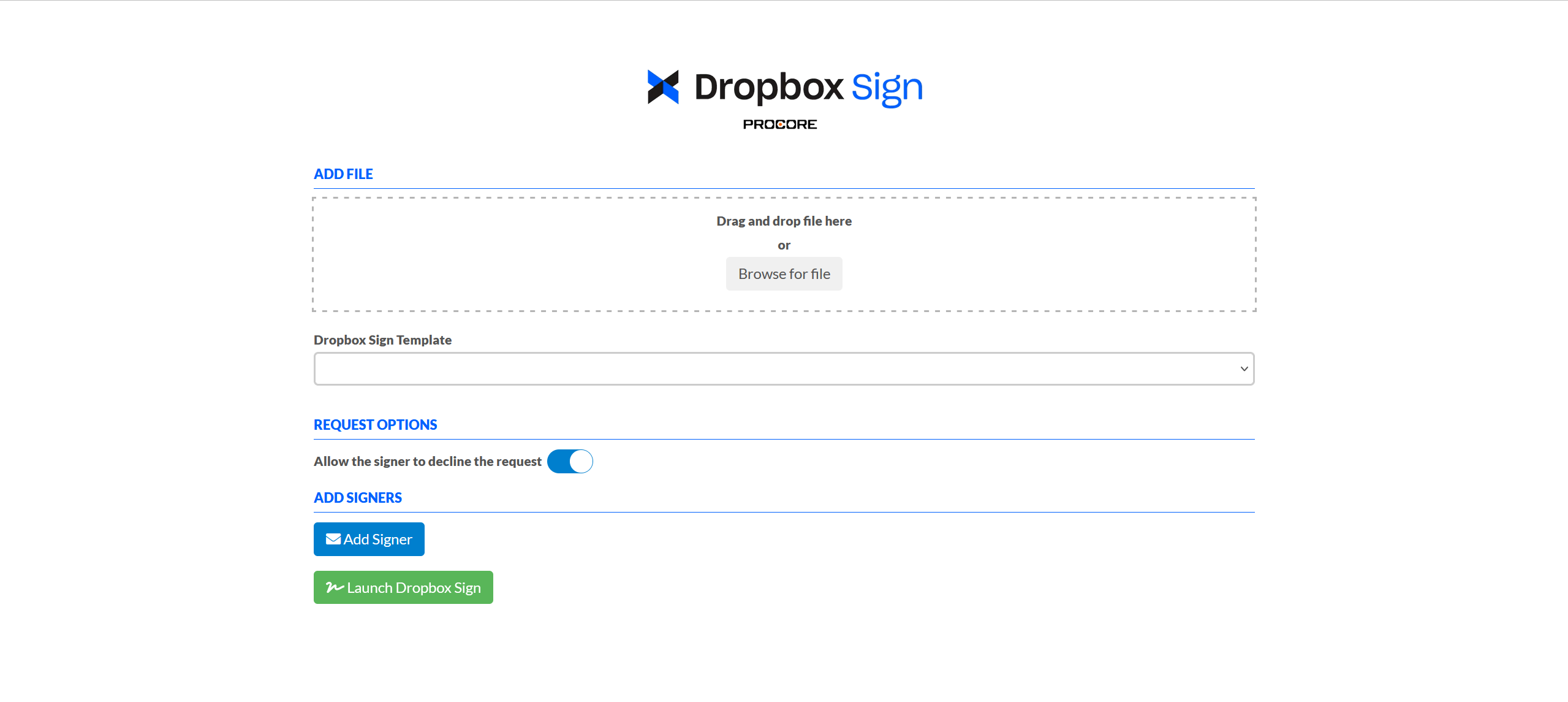
This will open a new window similar to the standard Dropbox Sign Side-Panel, requesting a signing document or template and signers.