Manage Client Apps
Client Apps are the M-Connect applications that will receive the M-Connect Users objects from the User Store during a sync. These client applications are managed on the Manage Client Apps page.
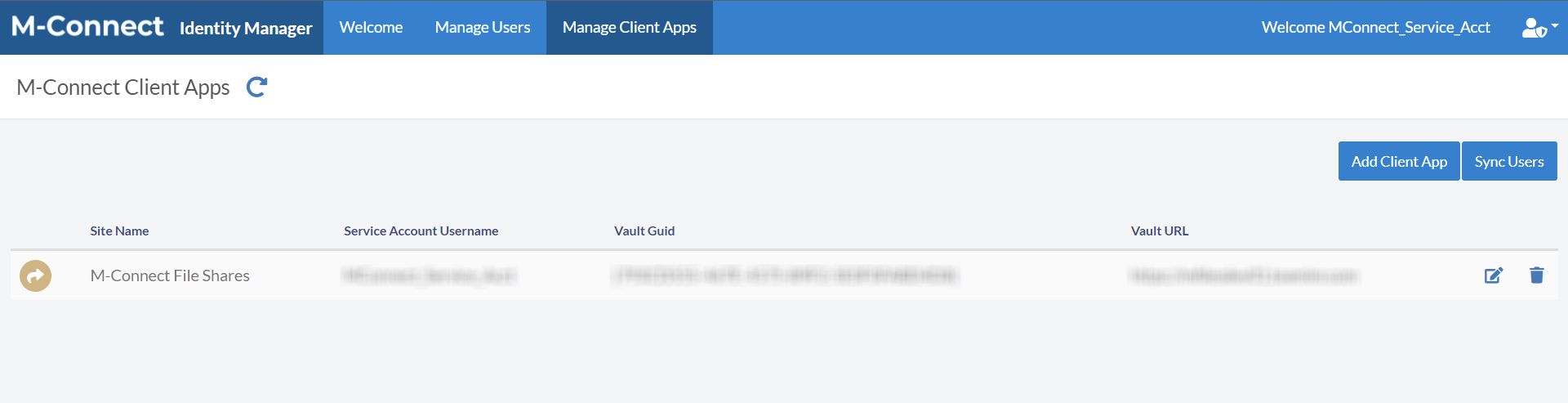
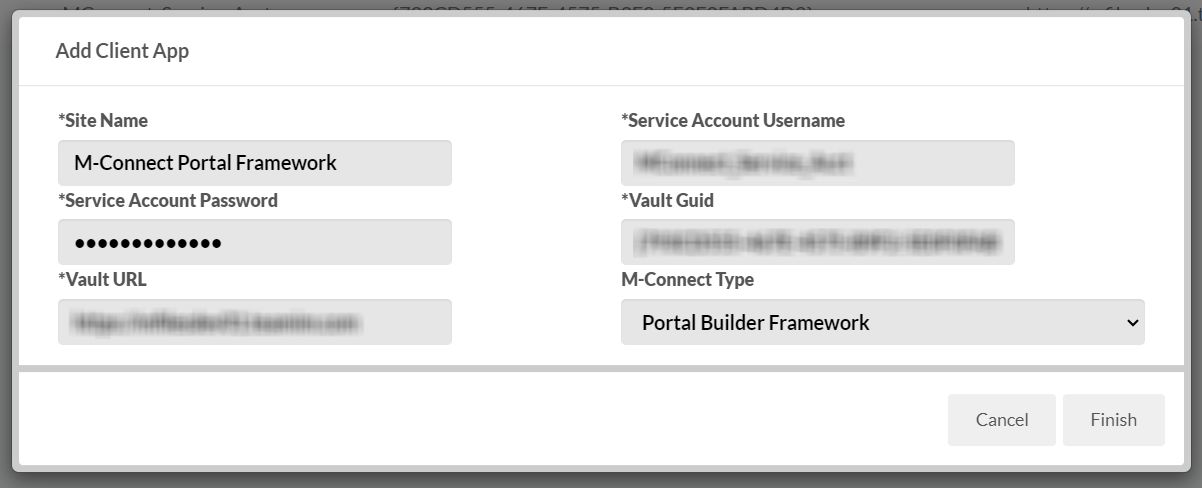
Add Client App
Selecting the Add Client App button will display a dialog for adding a client connection.
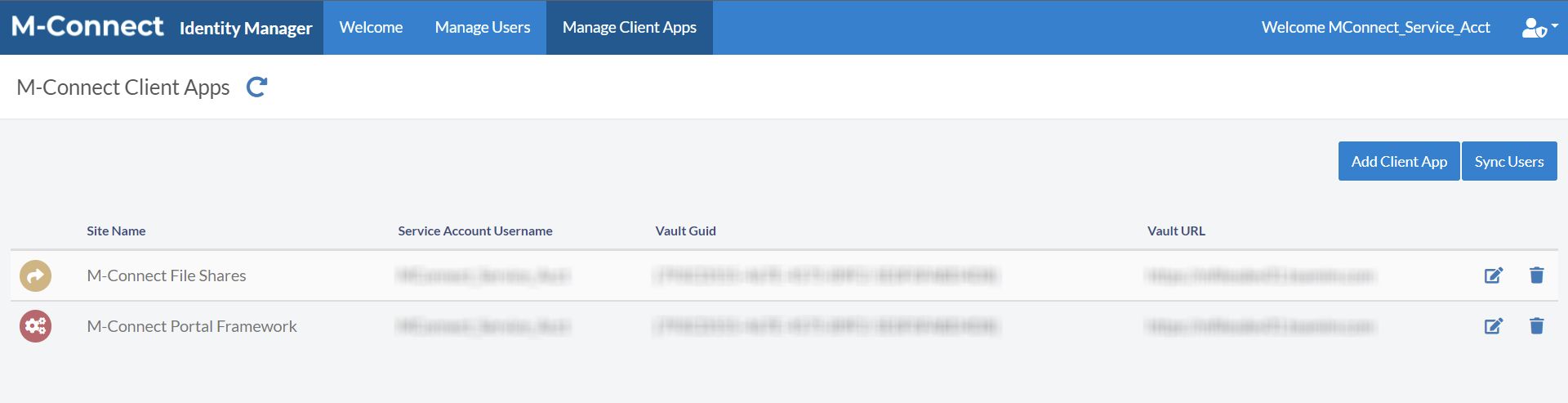
The client app will be displayed after the connection to the vault is made.
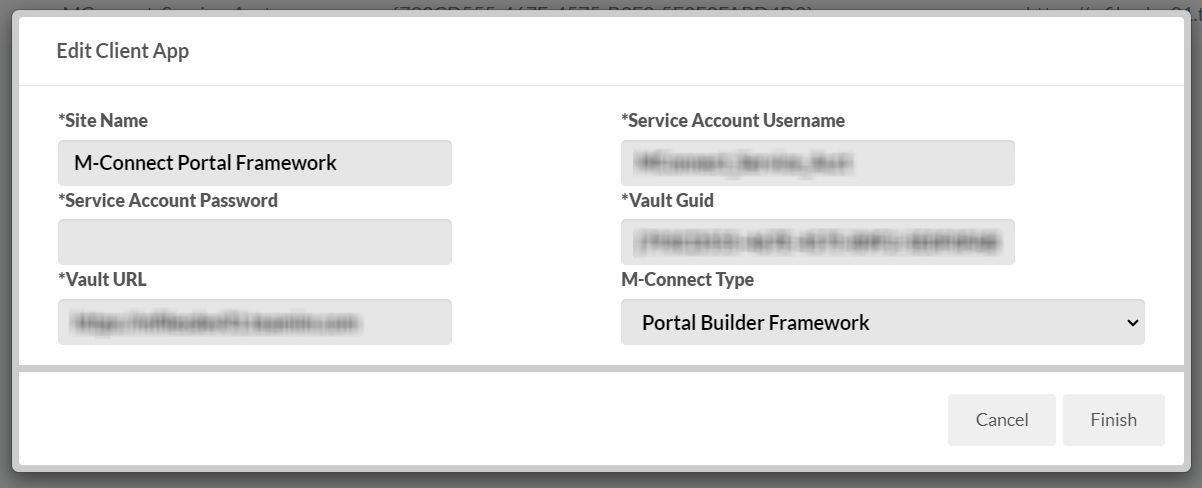
Edit Client App
Press the  Edit App icon to display the Edit Client App dialog.
Delete Client App
Press the  Delete App icon to delete an app. A confirmation dialog is displayed.
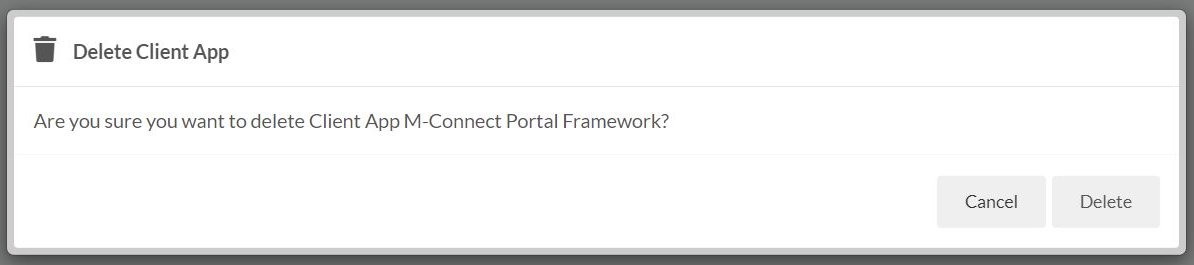
M-Connect User objects will still exist in the vaults after deleting the client app. These users should be manually deleted or disabled based on your requirements.
Sync Users
Selecting the Sync Users button will iniate a manual user sync process.
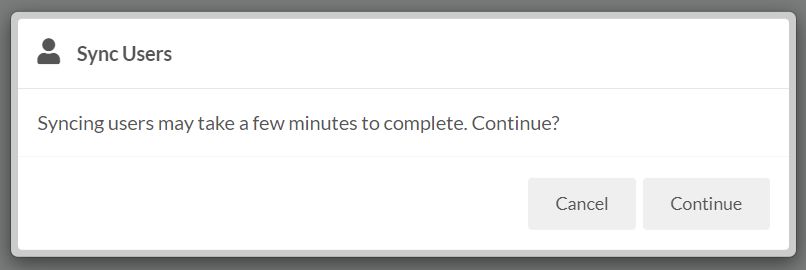
The User Sync is a background process that can take minutes depending on various factors. Because of this, the user interface will not display a message after the sync has completed.
M-Connect Users will be available within the client app vaults after the sync has completed.
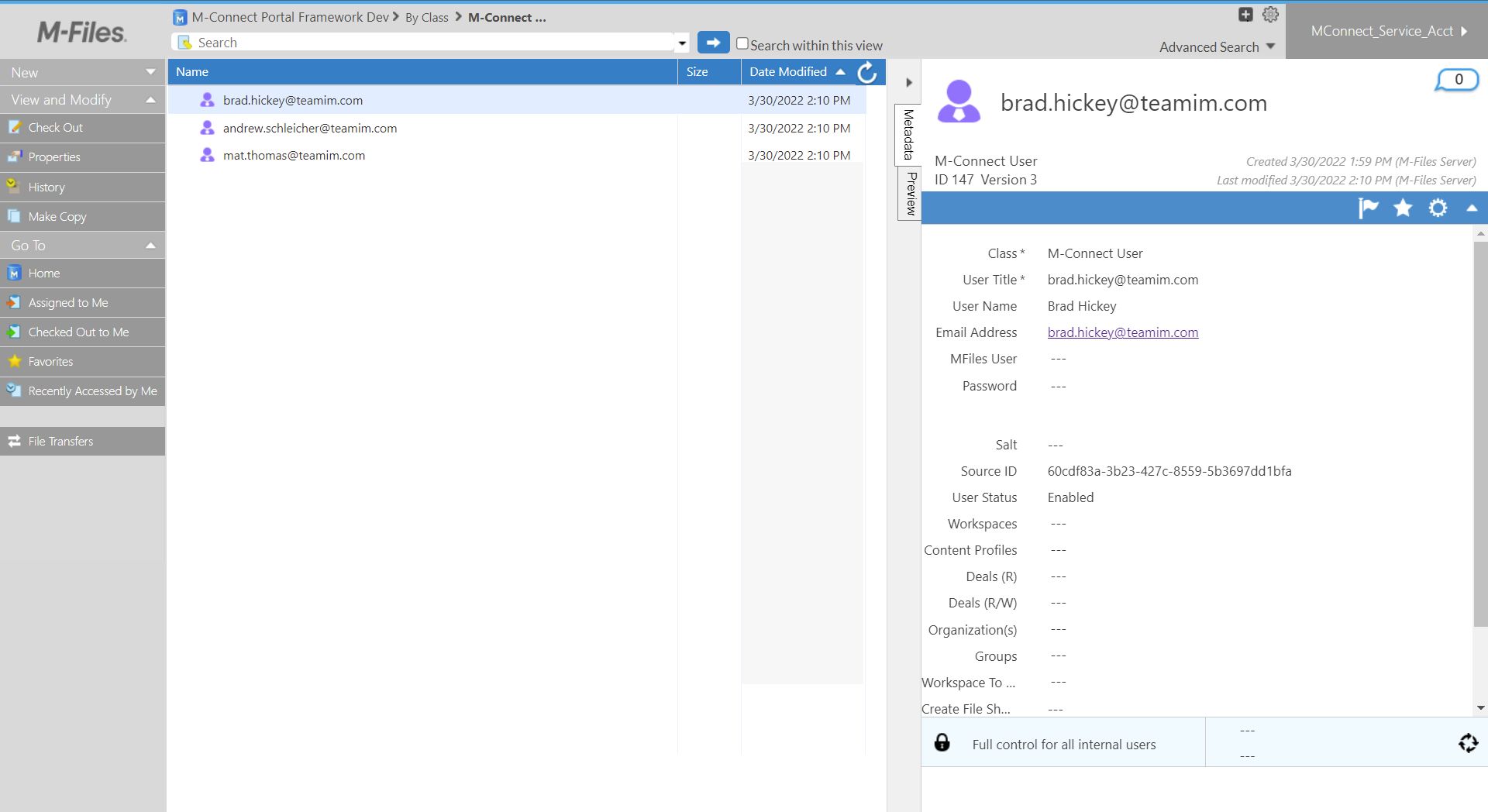
Automated syncs run every 5 minutes, which push user data from the User Store to the Client Apps. A manual sync should only be performed if needed between these automated syncs.