Manage Users
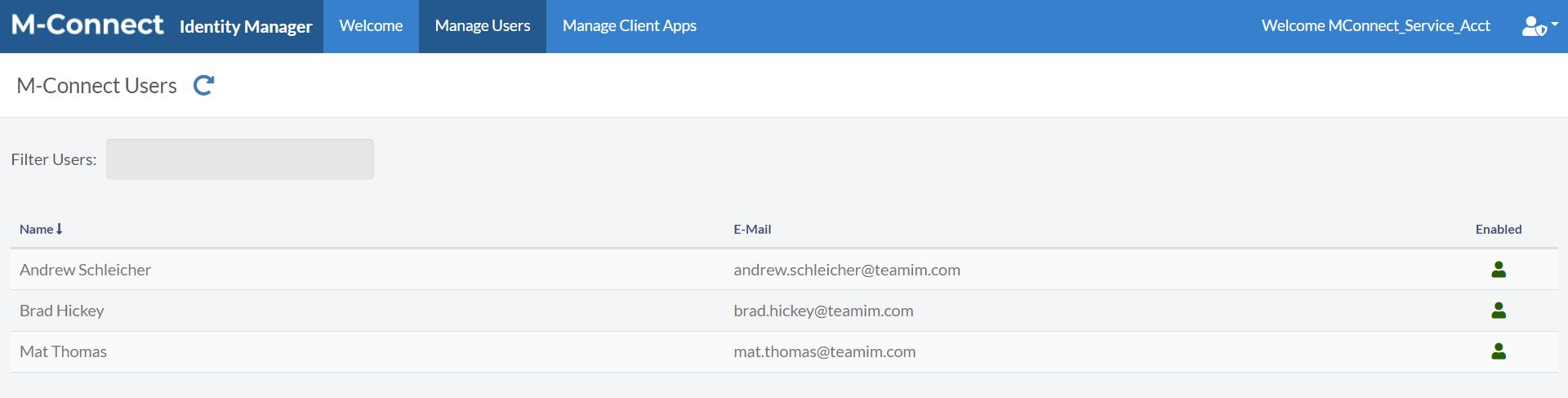
When using Identity Manager, M-Connect Users are stored in either Azure AD or a central M-Files vault. In either case, these users can be managed directly in their repository or on the Manage Users page.
Disable Users
Enabled users are indicated by a  green user icon. Clicking on the icon will display a Disable User confirm dialog.
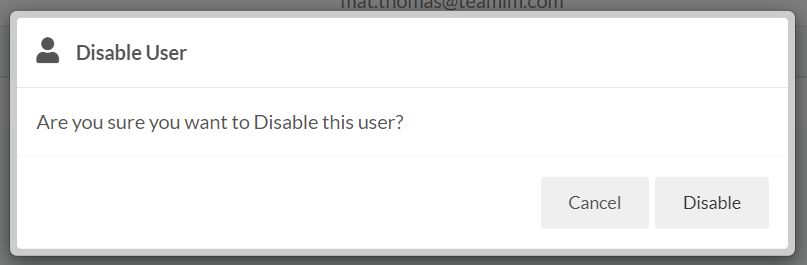
Disabling a user will switch the User Status property in User Store, which tells M-Connect the user should not be able to login to the applications.
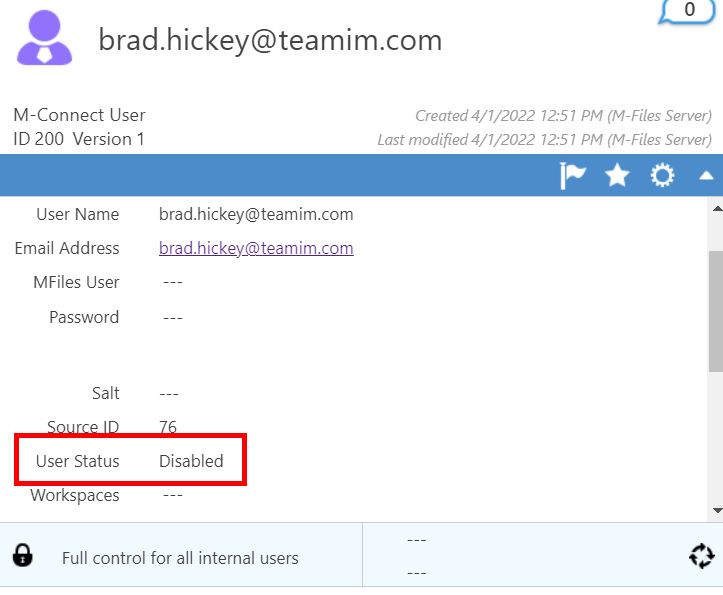
The user status will get synced during the next 5-minute sync cycle. Use the manual Sync on the Manage Client Apps page to sync the values quicker if needed.
Enable Users
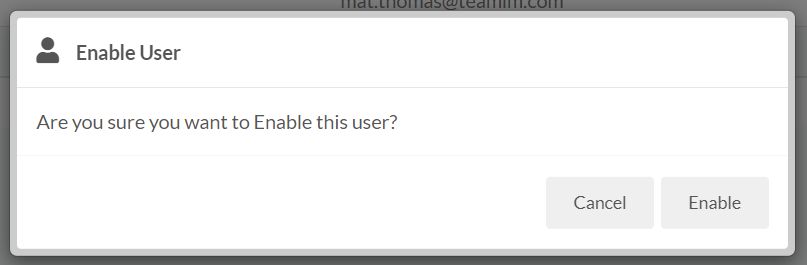
Disabled users are indicated by a  red user slash icon. Clicking on the icon will display a Enable User confirm dialog.
Password Resets
When users reset their password on an M-Connect application, M-Connect will notify the User Store of the password change and then sync the password down to the subsequent environments during the next sync cycle.