File Share Links
Create a Share Link
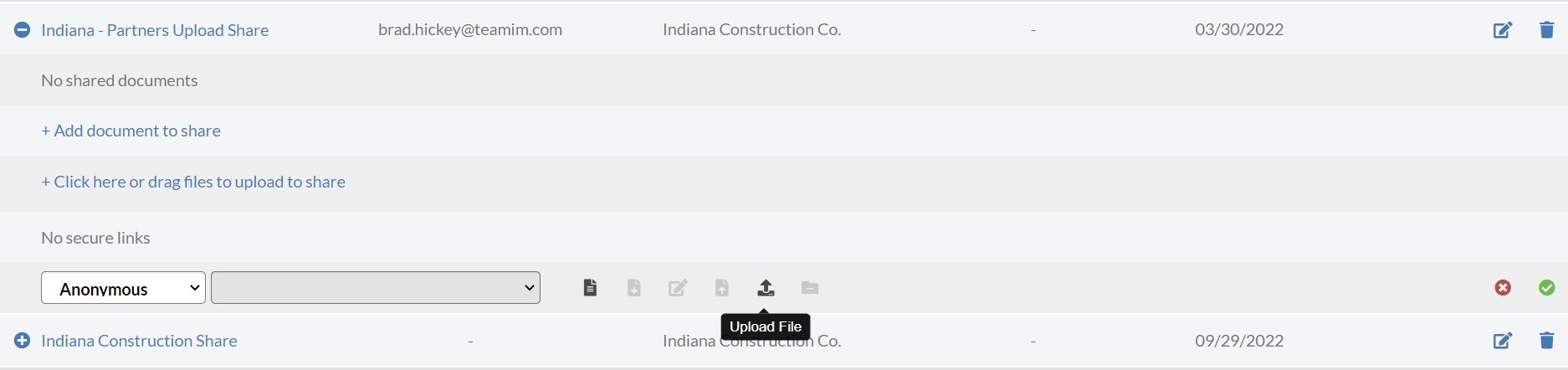
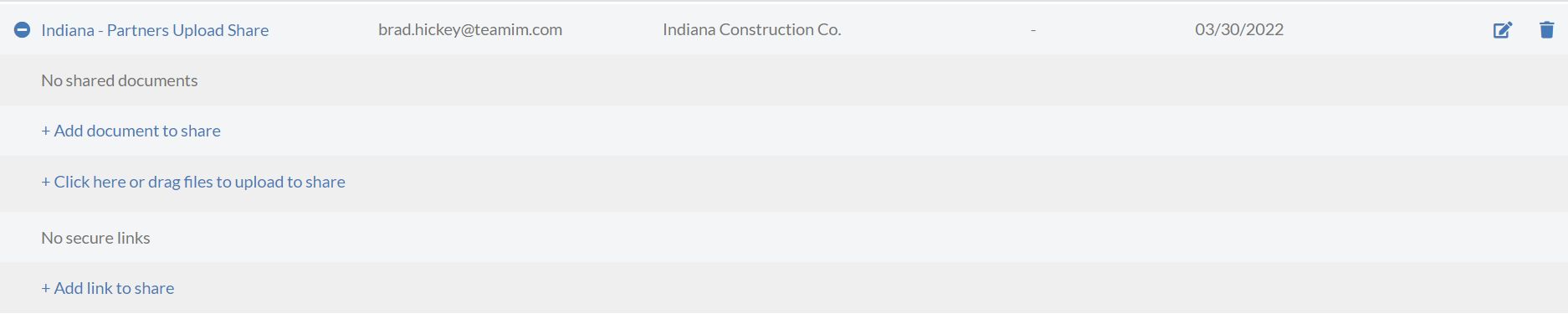
File Share Links control permissions to the Share. At least one Share Link must be created before anyone can gain access to the Share. To add a Share Link, expand the Share and select the "+ Add link to share" link:
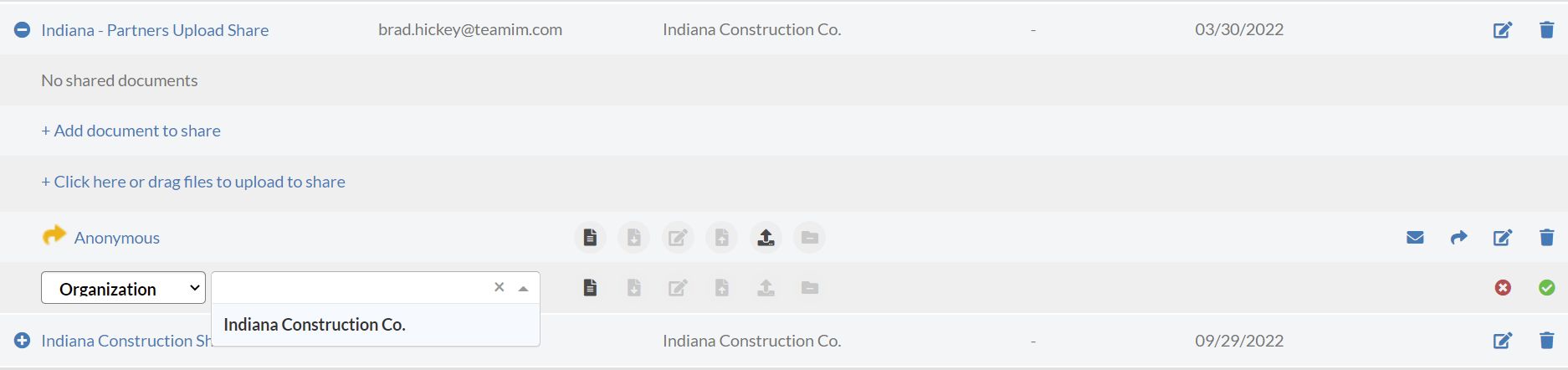
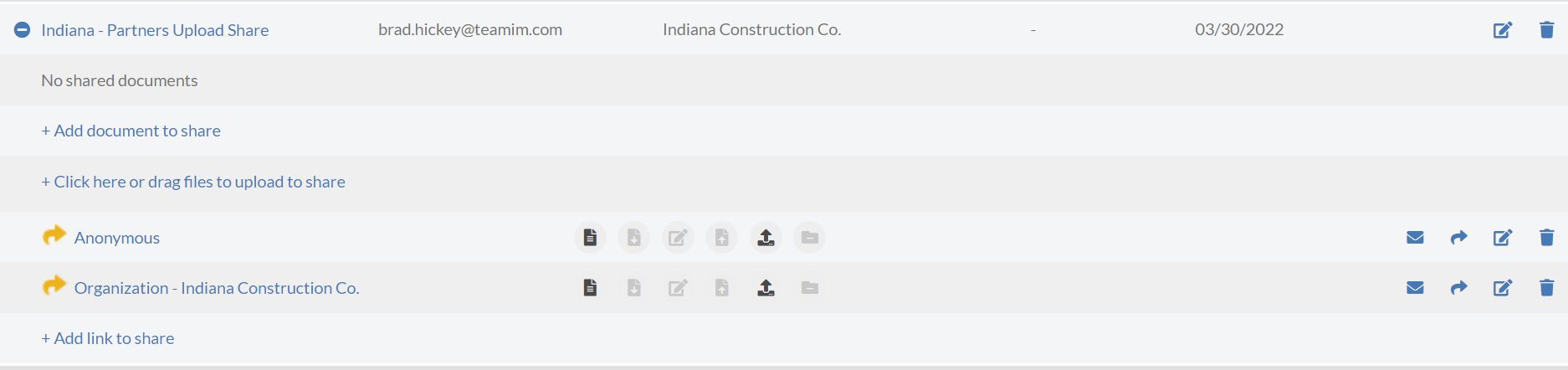
Each Share Link has a Scope and Permissions. The scope specifies who you are granting access to. Scopes include:
- Anonymous
- Organization
- Group
- User
- Users
Permissions grant what actions the user can perform within the share. Permissions include:
- View
- Download
- Update Metadata
- Update Document
- Create
- Remove File from Share
- Comment (if configured)
Select a link scope to specify who you are granting access to. The available scopes are: