Install Content Pack
Each M-Connet product requires specific configurations within M-Files to function. A content pack can be used to quickly create the initial required M-Files structure. This content pack will be provided by TEAM IM and should be installed in the M-Files vault that will use the File Shares. This will provide all necessary classes, objects, properties, and value lists used by M-Connect File Shares.
To install the content packs:
- Open M-Files Admin and connect to the appropriate server and vault
- Expand the vault and select Content Replication and Archiving
- Select the One-time Import button
- Upload PortalFramework.zip to the server and select the content pack
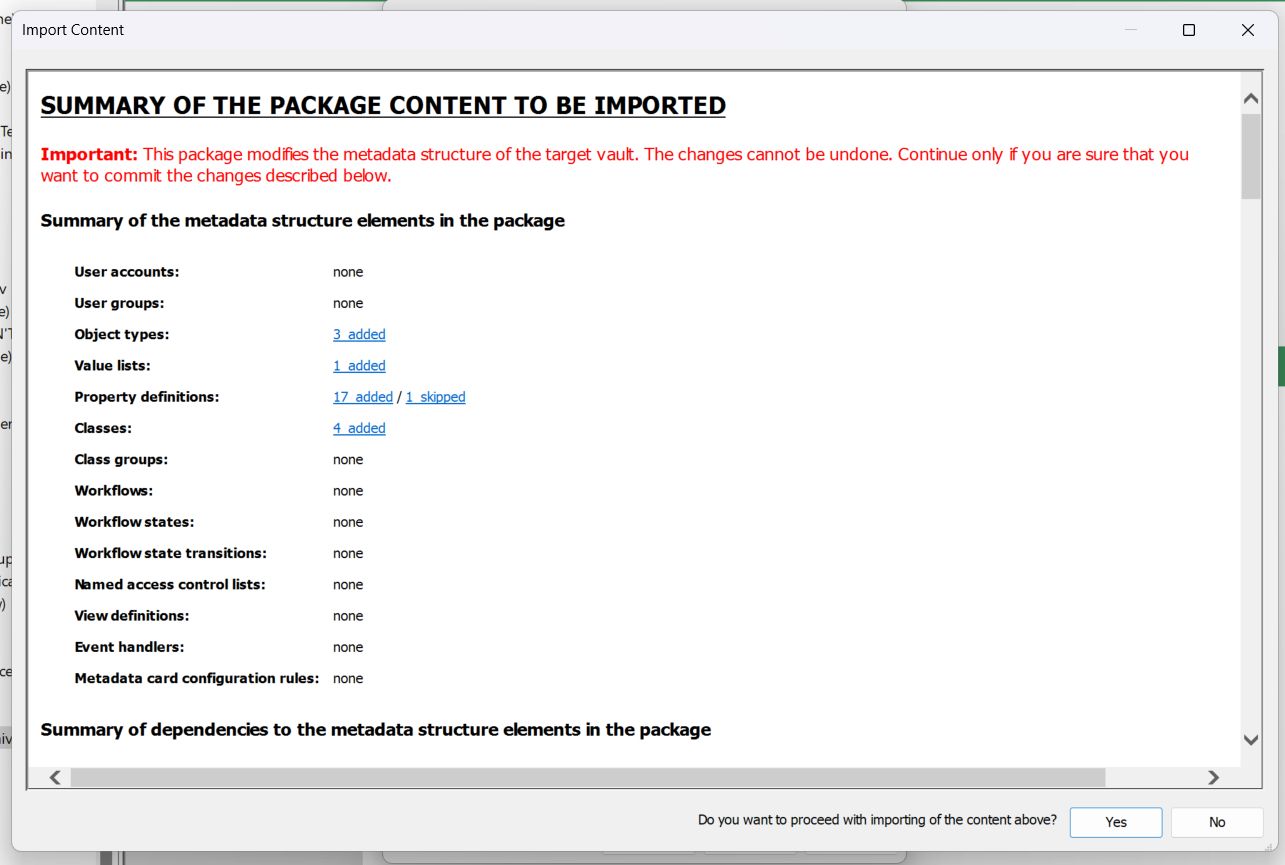
- Press Yes when asked to proceed
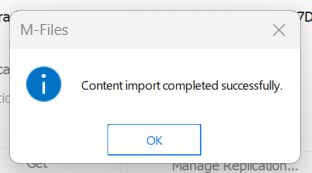
- A success message is displayed. Press OK to continue
- Repeat steps 4-6 with the Workflow.zip content pack