Global Settings
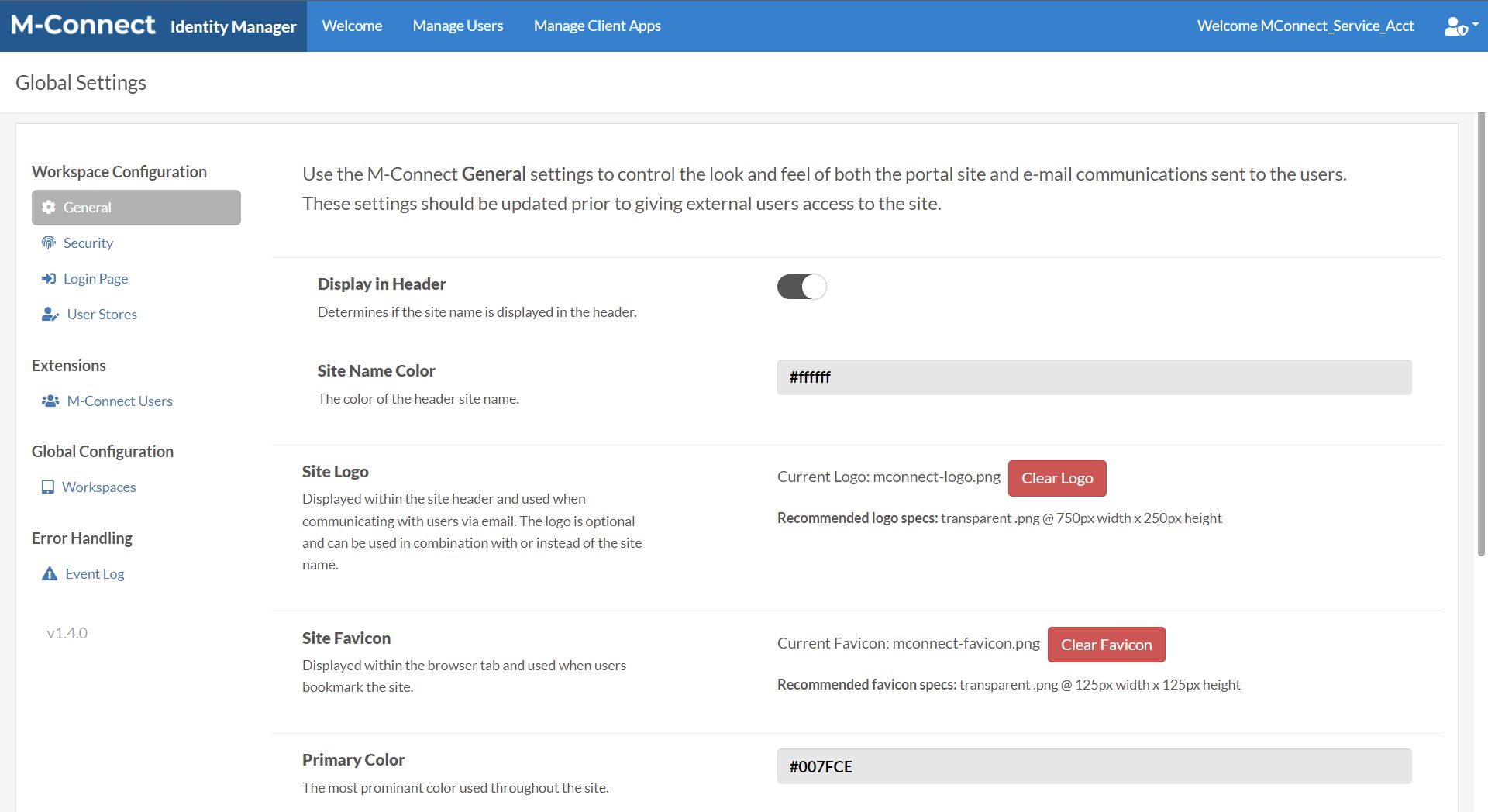
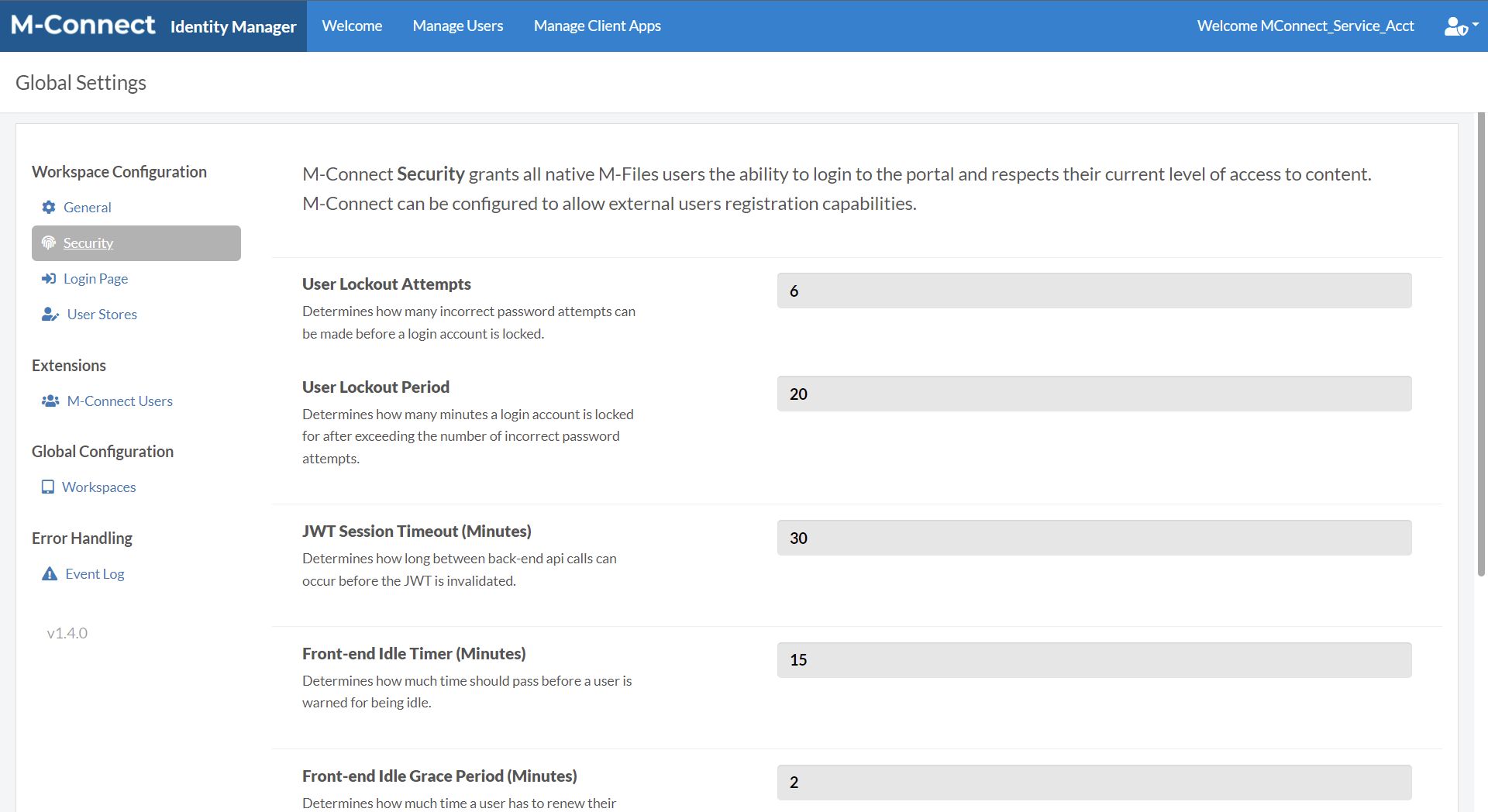
Additional settings are available within the Global Settings, including look and feel options, security settings, and user store options.
User Stores
In addition to setting up user stores on initial configuration, they can be set up in the User Stores section. The settings from the Entra ID Configuration should be added as follows.
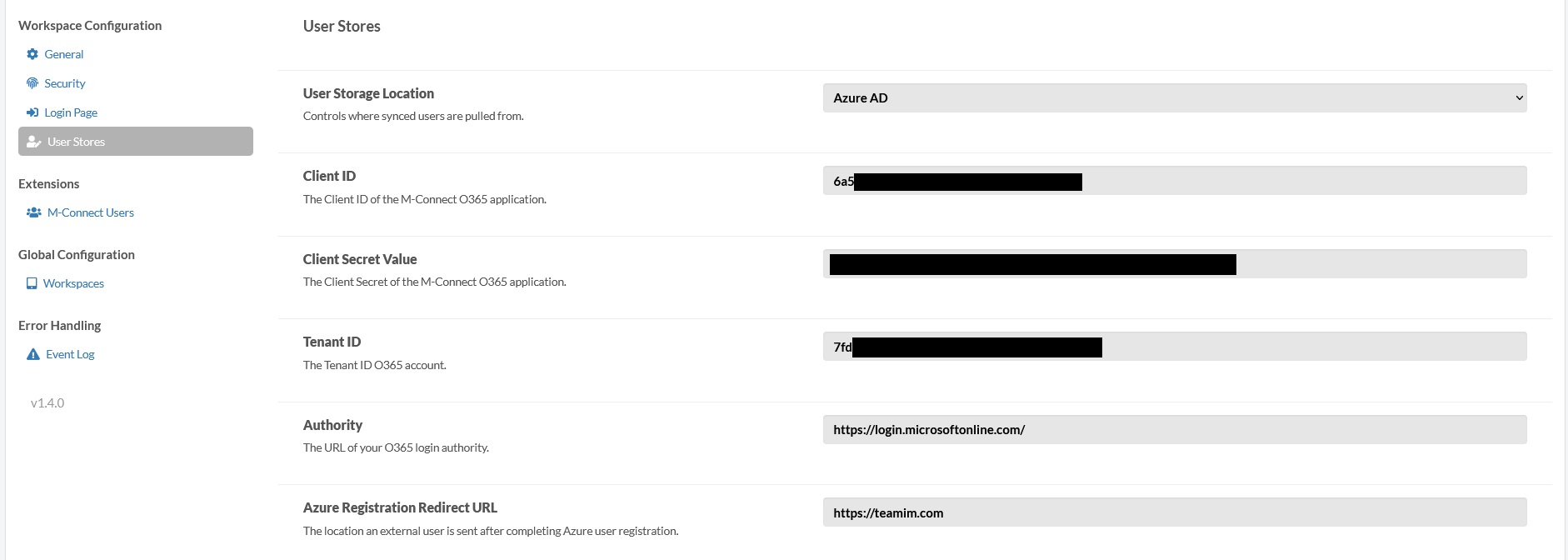
Additional groups to sync users in to can be configured here as well.

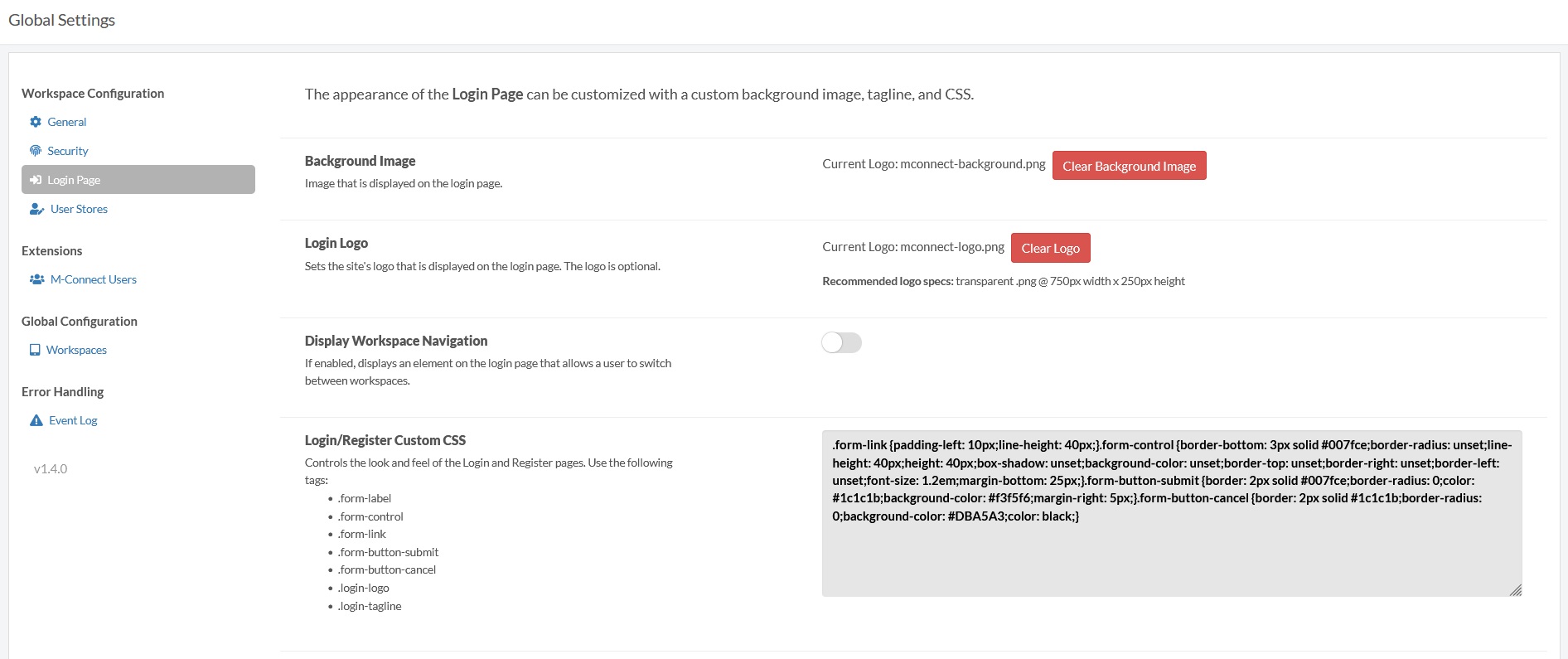
Login Page
A background Image and Login Logo as well as custom CSS can be configured to display on the login page.
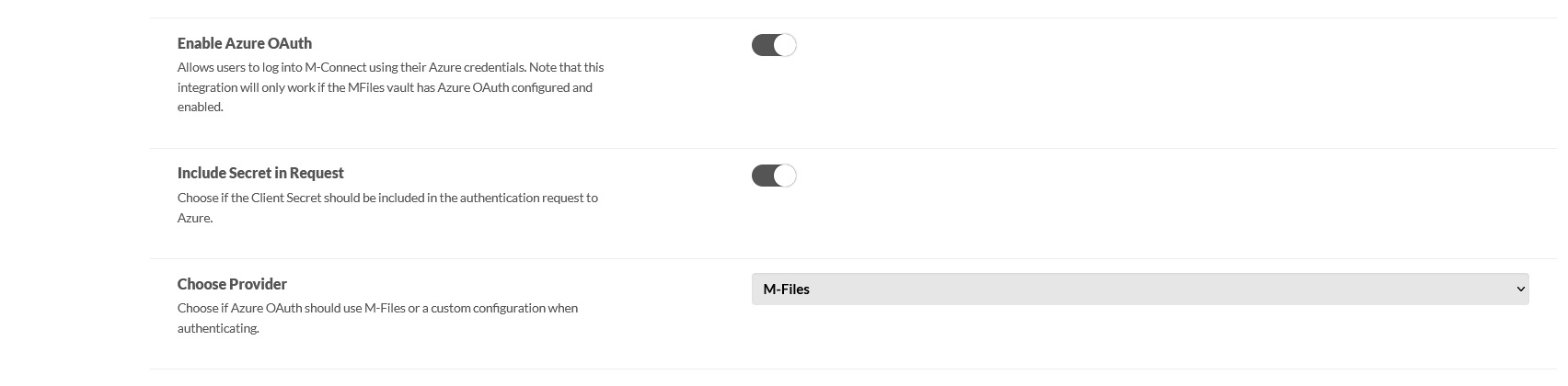
Identity Manager should use the same authentication as M-Files. If M-Files user authentication is used, Enable Azure OAuth should be set to false. Otherwise if Entra ID authentication is used in M-Files, Include Secret in Request should be set to true and Choose Provider set to M-Files. If this does not work, Choose Provider can be set to Custom and configurations entered manually.