External User Configuration
In order to allow external users to register and use the website, the M-Files vault must be configured with the correct M-Connect URL.
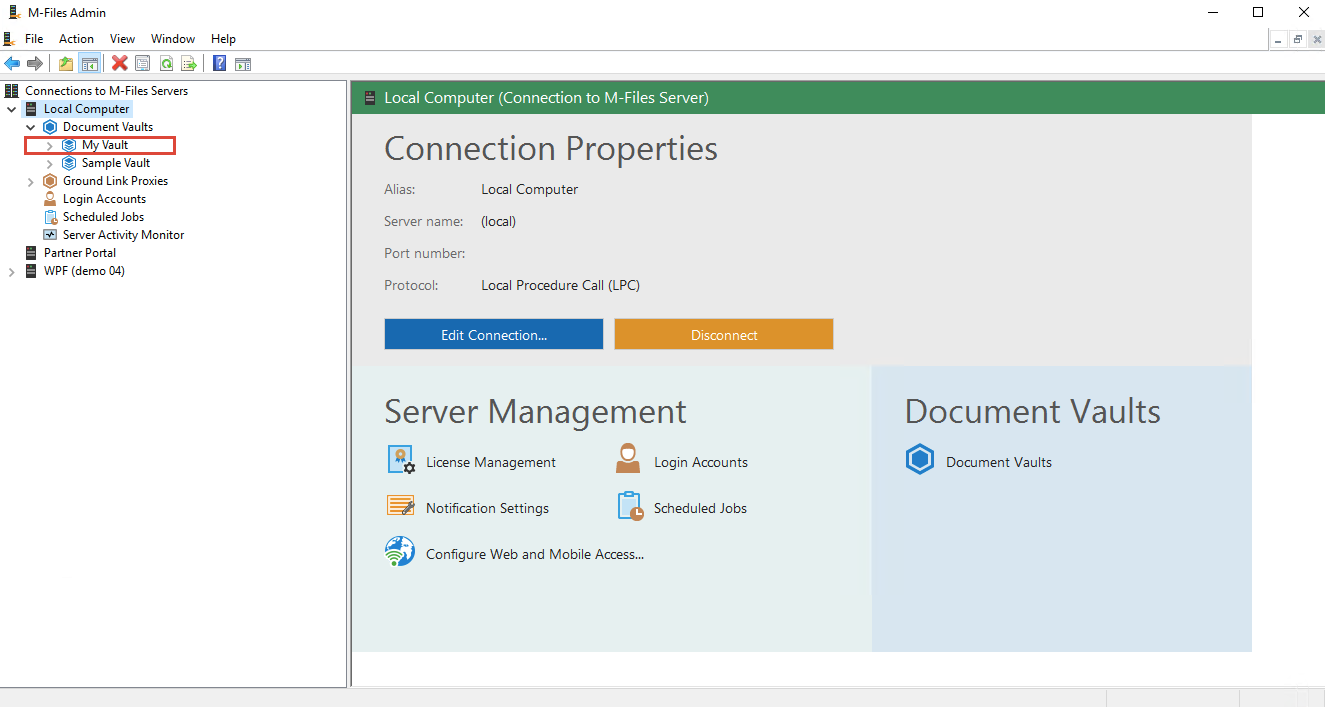
- Open up the M-Files Admin tool and select the vault associated with your website
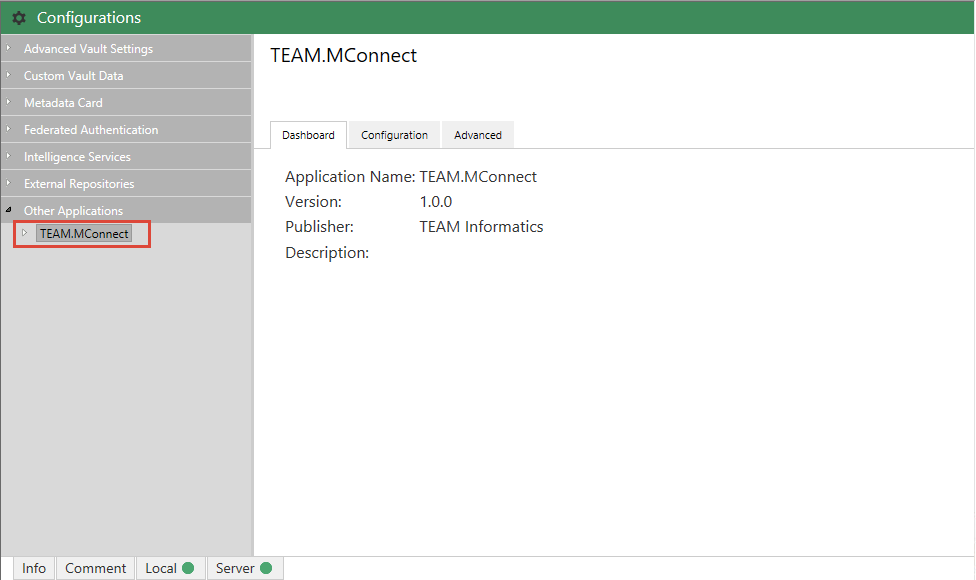
- In the vault, select “Configurations” and click on the M-Connect Vault Application
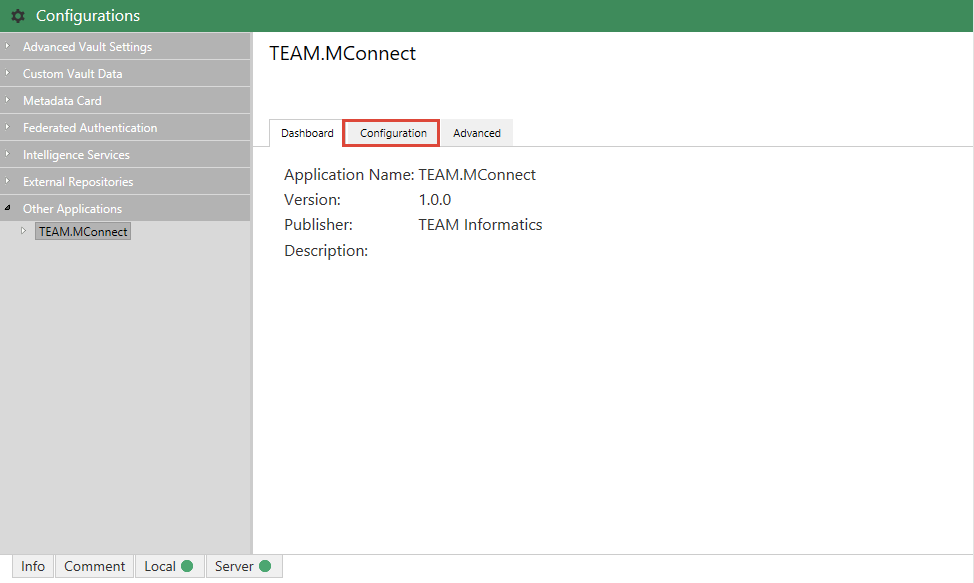
- Select “Configuration” within the M-Connect Vault Application
- Fill in the M-Connect URL field with your M-Connect URL and save
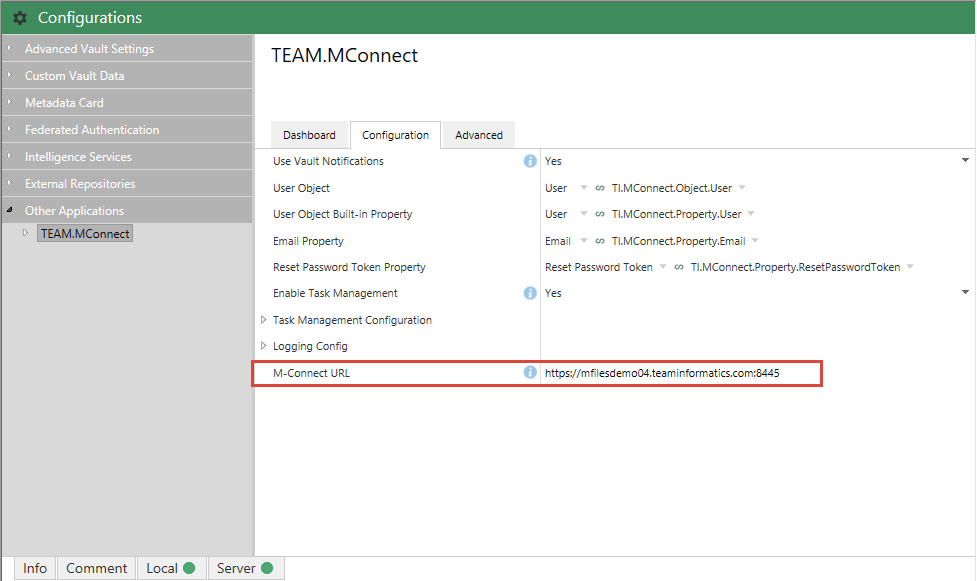
The URL will ensure when users click on the register link in the email that they will be take to the correct location. Once the URL is configured, full functionality for external user registration can be implemented under “Global Settings” → “Security”.