Alerts
Overview
M-Connect has several extensions that require aliases to be set in M-Files. The following is a checklist for all of the required aliases for M-Connect User Alerts.
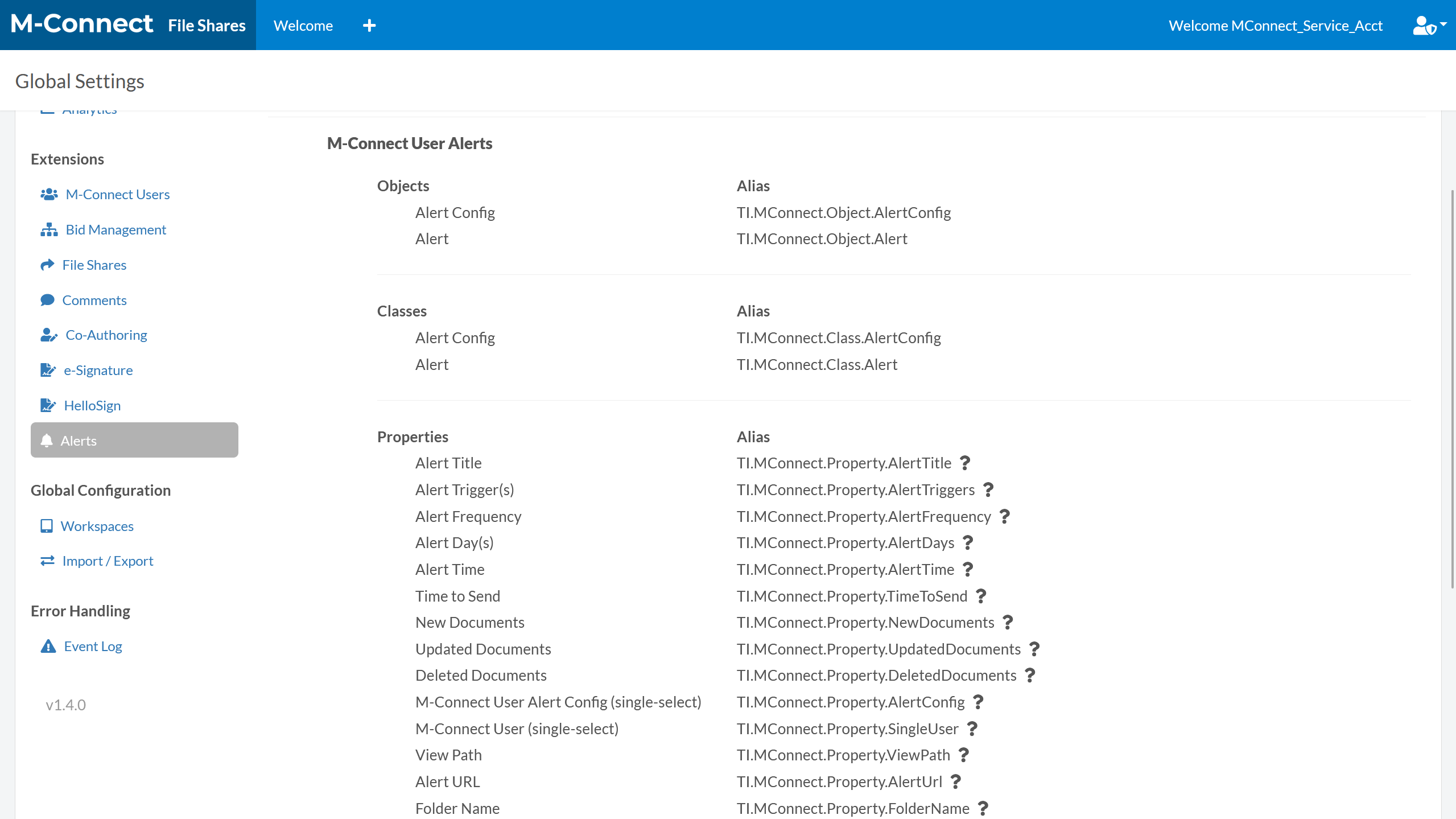
Objects
- Alert Config (TI.MConnect.Object.AlertConfig)
- Alert (TI.MConnect.Object.Alert)
Classes
- Alert Config (TI.MConnect.Class.AlertConfig)
- Alert (TI.MConnect.Class.Alert)
Properties
- Alert Title (TI.MConnect.Property.AlertTitle)
- Alert Trigger(s) (TI.MConnect.Property.AlertTriggers)
- Alert Frequency (TI.MConnect.Property.AlertFrequency)
- Alert Day(s) (TI.MConnect.Property.AlertDays)
- Alert Time (TI.MConnect.Property.AlertTime)
- Time to Send (TI.MConnect.Property.TimeToSend)
- New Documents (TI.MConnect.Property.NewDocuments)
- Updated Documents (TI.MConnect.Property.UpdatedDocuments)
- Deleted Documents (TI.MConnect.Property.DeletedDocuments)
- M-Connect User Alert Config (single-select) (TI.MConnect.Property.AlertConfig)
- M-Connect User (single-select) (TI.MConnect.Property.SingleUser)
- View Path (TI.MConnect.Property.ViewPath)
- Alert URL (TI.MConnect.Property.AlertUrl)
- Folder Name (TI.MConnect.Property.FolderName)
Value Lists
- Alert Triggers (TI.MConnect.ValueList.AlertTriggers)
- Alert Frequencies (TI.MConnect.ValueList.AlertFrequencies)
- Alert Days (TI.MConnect.ValueList.AlertDays)
Workflows
- Alert (TI.MConnect.Workflow.Alert)
Workflow States
- Waiting to Send (TI.MConnect.State.WaitingToSend)
- Sent (TI.MConnect.State.AlertSent)